
Menus
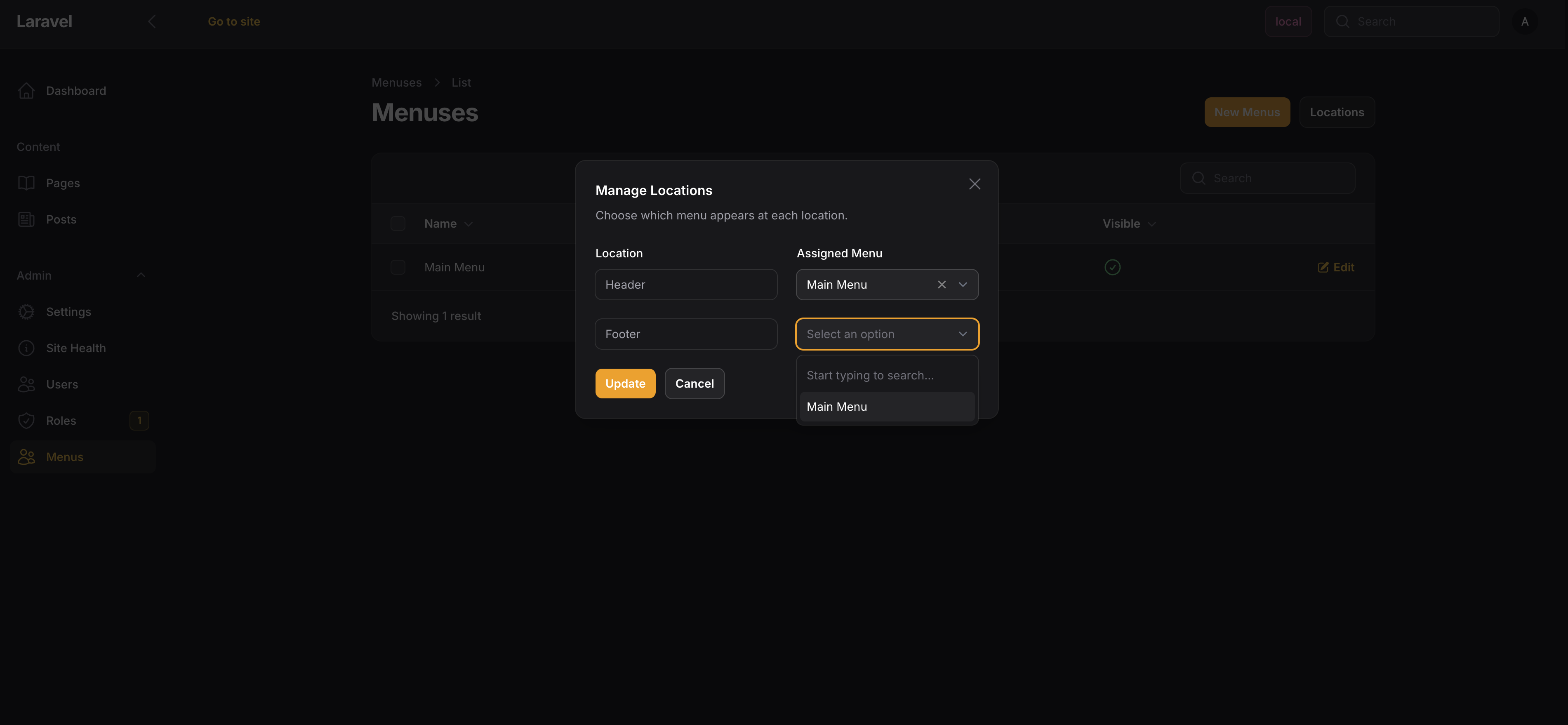
Menus let you build navigation that editors can manage in the admin. You define locations in your theme, then editors can create menus and assign them.
Menu Locations
Register locations in your theme:
public function configure(Siteman $siteman): void
{
    $siteman->registerMenuLocation('header', 'Header Navigation');
    $siteman->registerMenuLocation('footer', 'Footer Navigation');
}
Menu Item Types
- Page Link - Links to a Siteman page. URL updates automatically if the page slug changes.
- Custom Link - Any URL you want.
- Custom Text - Just text, no link (useful for section headers).
Items can be nested for dropdowns.
Displaying Menus
@foreach(\Siteman\Cms\Facades\Siteman::getMenuItems('header') as $item)
    <a href="{{ $item->url }}">{{ $item->title }}</a>
@endforeach
With nested items:
@foreach(\Siteman\Cms\Facades\Siteman::getMenuItems('header') as $item)
    <li>
        <a href="{{ $item->url }}">{{ $item->title }}</a>

        @if($item->children->count())
            <ul>
                @foreach($item->children as $child)
                    <li><a href="{{ $child->url }}">{{ $child->title }}</a></li>
                @endforeach
            </ul>
        @endif
    </li>
@endforeach
Menu Item Properties
Each item has:
title- Display texturl- The link (null for text items)target- Link target (_blank, etc.)children- Collection of nested items (automatically includes page children when enabled)include_children- Boolean indicating if page children are included
All menu items implement MenuItemInterface, providing consistent access via getTitle(), getUrl(), getTarget(), and getChildren().
Including Page Children
When creating a page link, editors can enable "Include child pages" to automatically include the page's children in the menu. The children property automatically includes these:
@foreach(\Siteman\Cms\Facades\Siteman::getMenuItems('header') as $item)
    <li>
        <a href="{{ $item->url }}">{{ $item->title }}</a>

        @if($item->children->isNotEmpty())
            <ul>
                @foreach($item->children as $child)
                    <li><a href="{{ $child->url }}">{{ $child->title }}</a></li>
                @endforeach
            </ul>
        @endif
    </li>
@endforeach
This allows editors to link a parent page and automatically include all its children without manually adding each one. Page children are seamlessly merged with any manually added menu item children.